BANNER STUDENT SELF SERVICE
Think of Banner Student Self Service as the dashboard to all of the important things you need as a student (your schedule, your financial aid information, your account summary, and more). Go to my.asumh.edu and access your Student Self Service from the Dashboard by clicking on the "Quick Links" button:
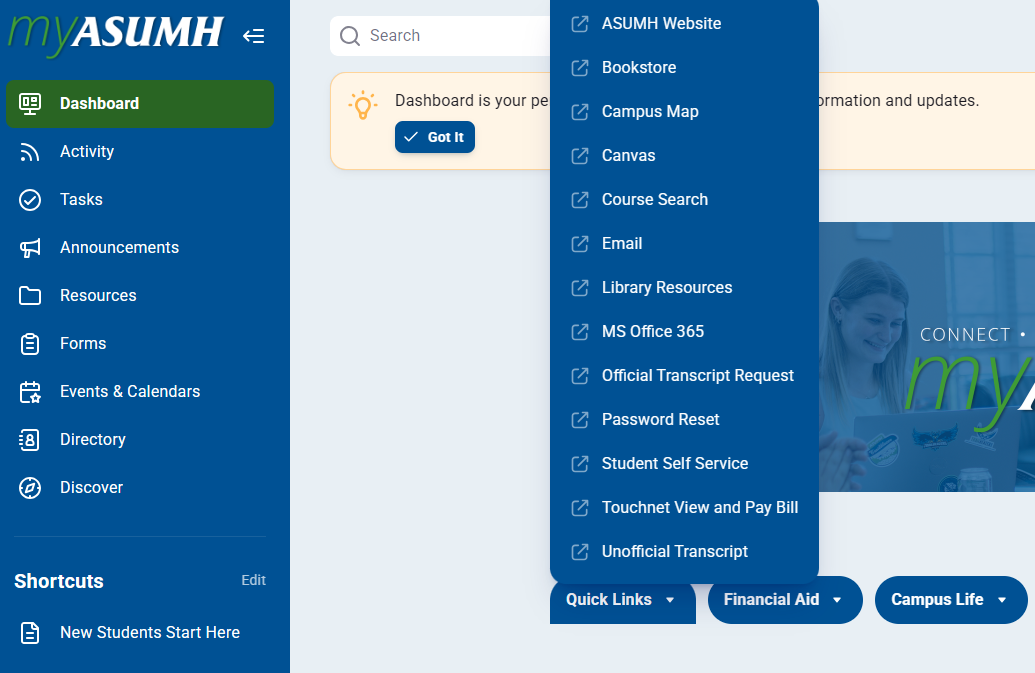
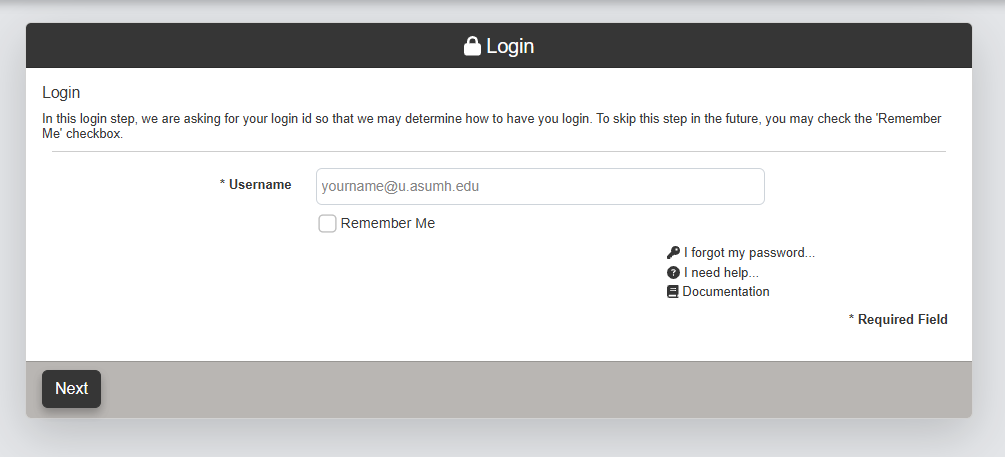
This link will take you directly to the Banner (Ellucian) login where you will use your student email and newly created password to log in:
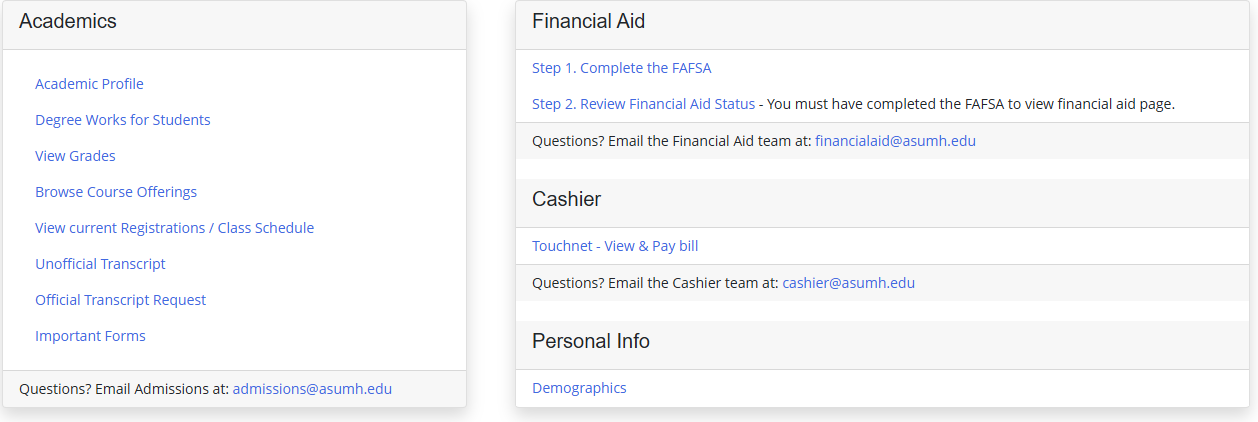
Once you've logged in and made it through the two-factor authentication, you will be able to access your schedule, see your financial aid, and pay your bill. This can all be done from the home page:
We recommend accessing Banner with an incogino window and logging out fully every time. If you need any help, our IT team will be happy to assist you -- simply give them a call at 870-508-6223.